PARTNER
Partner
Basic level
Key benefits
Terms
Details
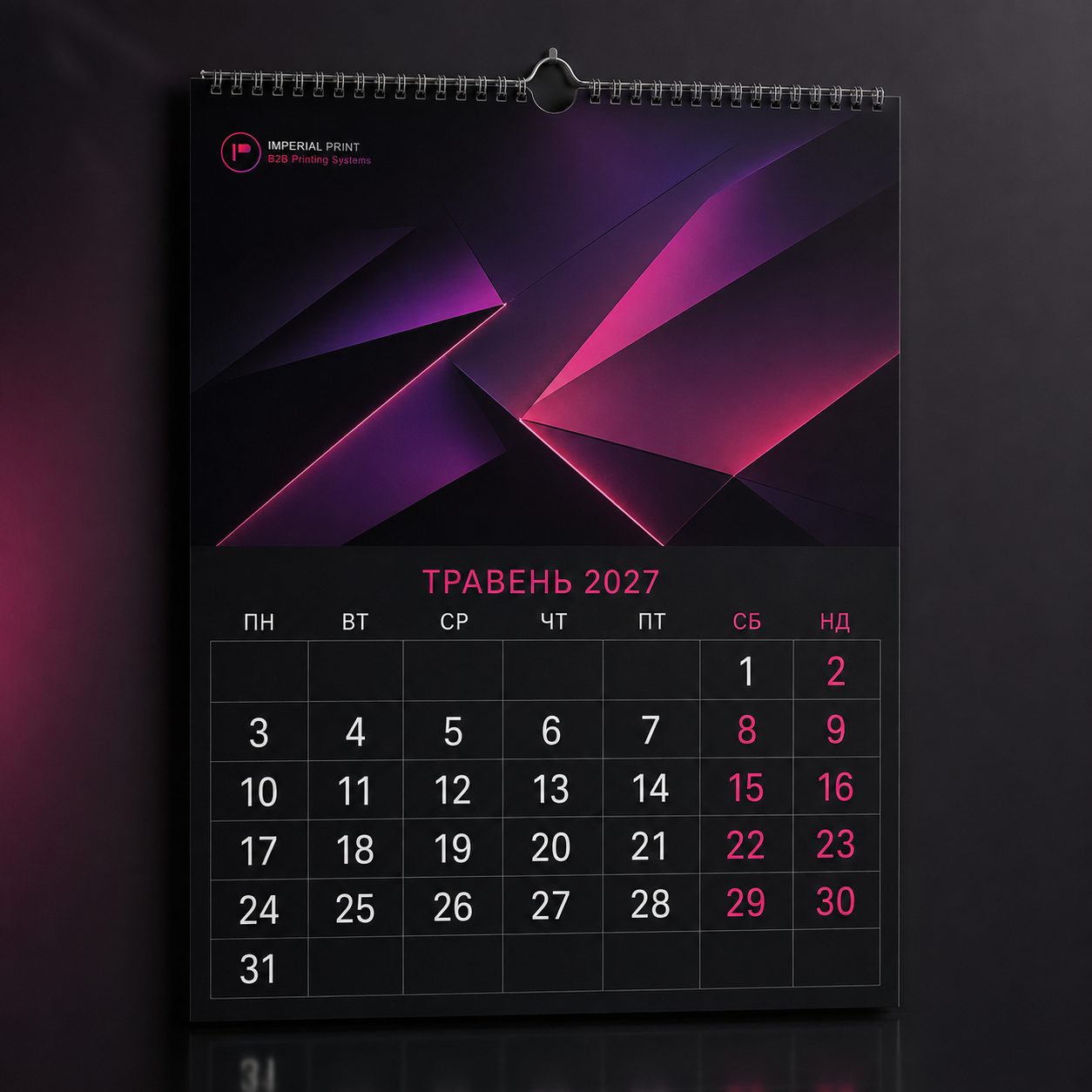
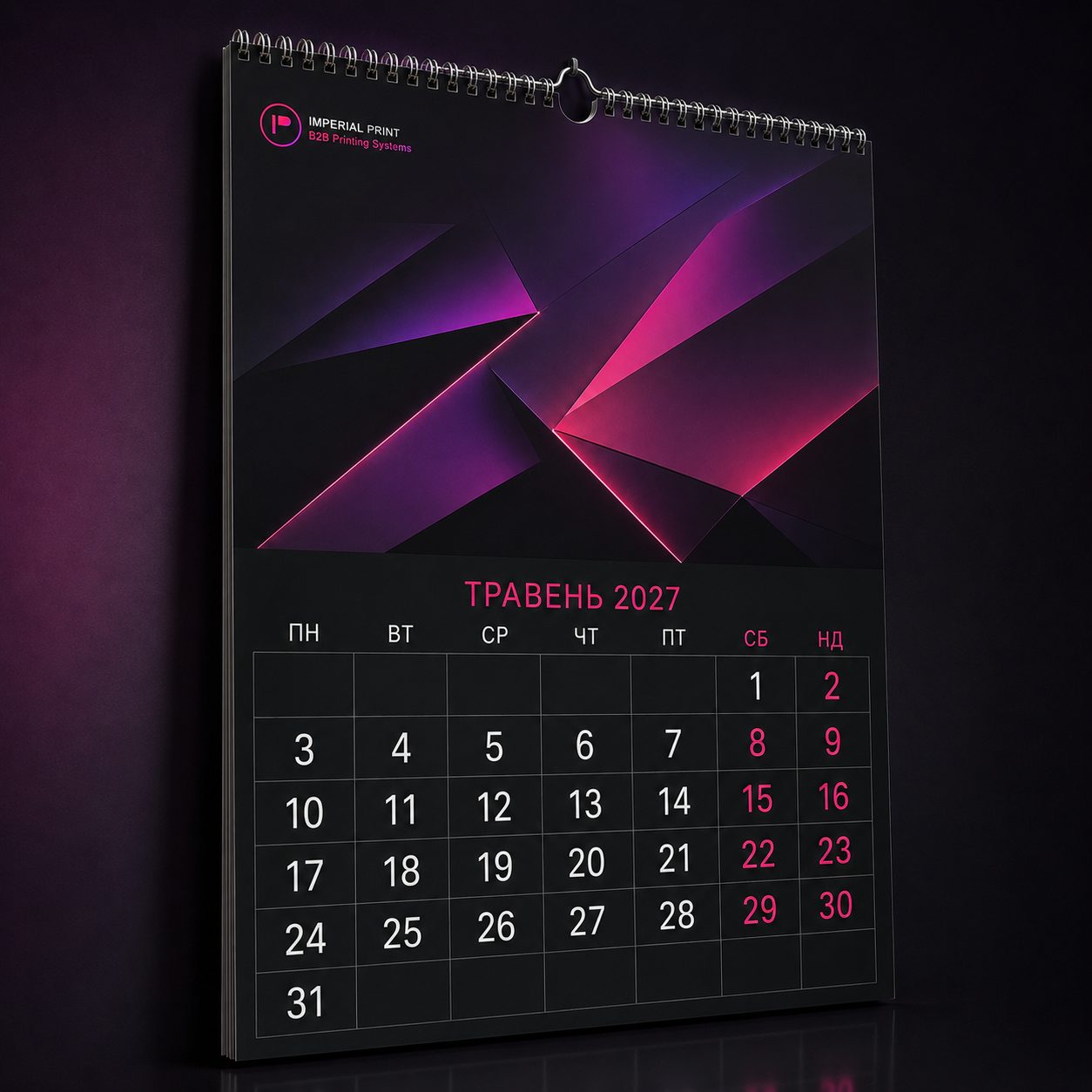
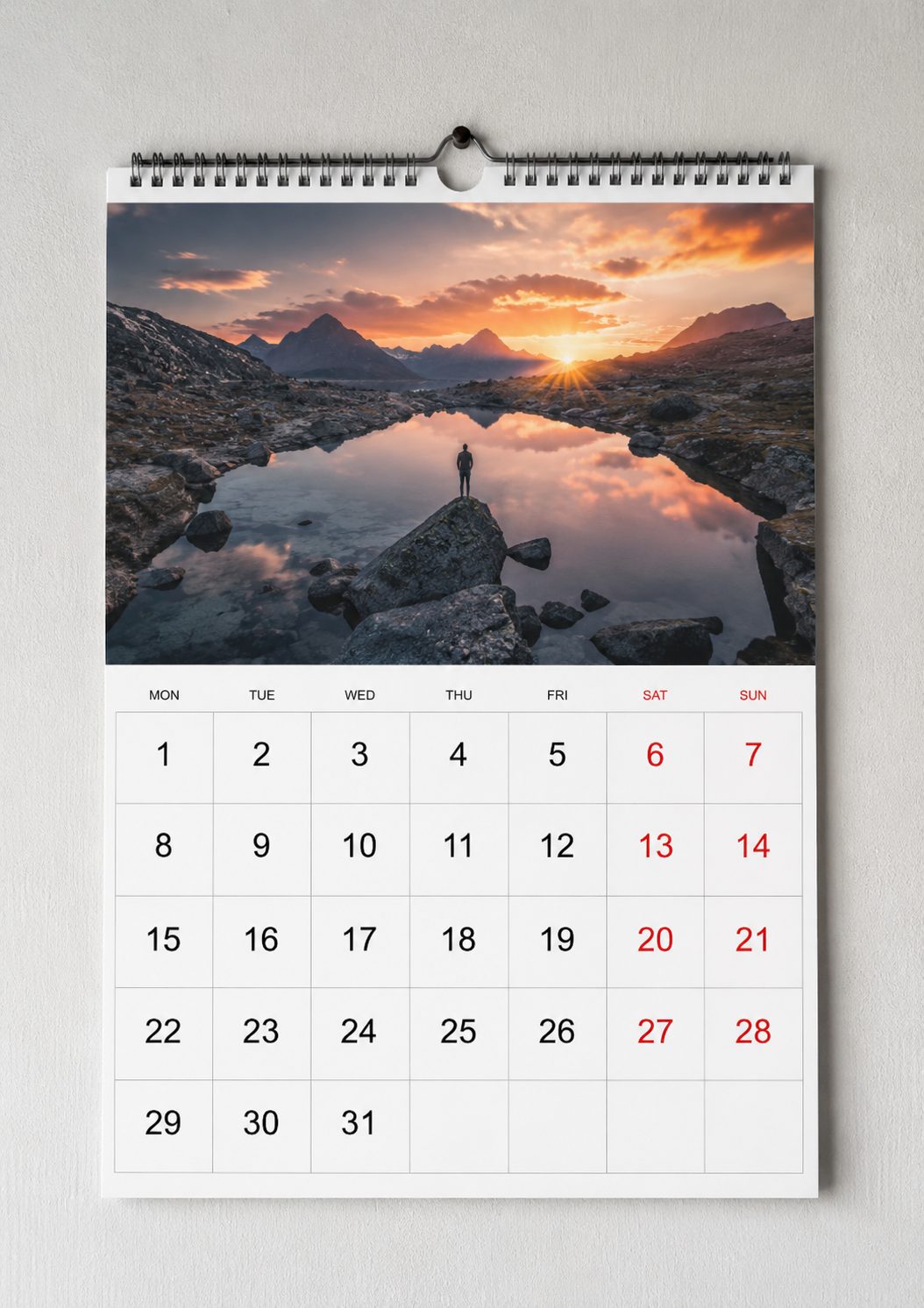
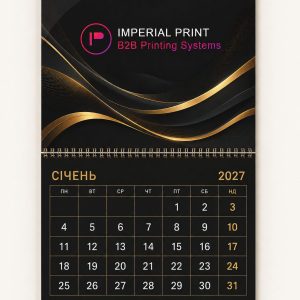
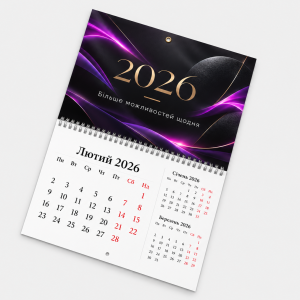
Customers searching for custom wall flip calendar printing can configure “Wall flip calendar”, a multi-page wall format that changes its visual story through the year while keeping the brand continuously visible. Relevant applications include offices, manufacturers, distributors, schools, service companies and corporate gifting programmes. Content, construction, stock and use should be treated as one decision. The calculator presents the current orderable combinations, while artwork checking identifies technical risks before the production run begins.
Before ordering, determine open dimensions, sheet count, hanging method, calendar-block position and the finished weight supported by the binding. These choices interact: a size change alters the layout, the stock changes colour and rigidity, and quantity or turnaround can affect the production method and unit cost. Compare quotations only when the specifications match. If the item must fit packaging, a frame, pocket or holder, measure the actual usable space instead of relying on an approximate format name.
Page stock should turn cleanly, control show-through and reproduce a sequence of images with consistent colour. The colour, texture and weight of a substrate change the same design in different ways. Pale areas may shift on a non-white base, while strong texture affects fine lines and photographic detail. Colour-critical brand work should be discussed before printing and assessed together with the selected material and finish. The construction should also suit transport, storage and the expected level of handling.
Each month may introduce a new visual subject while the logo, navigation and date grid retain one coherent system. Effective artwork has one clear focal point, a readable hierarchy and enough clearance around essential elements. The logo should not compete with contact details or the primary offer. Test a QR code at final size on several phones and retain its quiet zone. Proofread names, telephone numbers, prices, dates and addresses separately, because a technical file check cannot establish whether supplied information is factually correct.
Create artwork for “Wall flip calendar” at the exact finished size. Backgrounds that reach an edge must continue into bleed, while copy, logos and codes stay inside the safe area. Embed fonts in the PDF or convert them to outlines, retain sufficient effective resolution for raster images and check that fine strokes can reproduce. Cutting paths, varnish masks, crease lines and other special operations belong on separate, clearly named technical layers.
The main avoidable risks for this item are calendar errors, sheets that are too heavy for the binding and essential copy placed inside the perforation area. Inspect the final PDF at 100%, remove unused construction layers and confirm that its page dimensions match the calculator. When an order contains several versions, use unambiguous filenames and assign the required quantity to each version. Recheck the price and production requirements whenever size, material, quantity or finishing changes, as an earlier approval may no longer match the revised specification.
The price of an order for “Wall flip calendar” depends on dimensions, run length, substrate, colour, finishing, processing complexity and turnaround. A larger run often lowers the unit price, but only stock likely to be used before artwork, contacts or season changes represents a saving. Compare complete specifications rather than headline totals. Delivery is separate from production time and depends on the selected carrier and destination within Ukraine.
Production timing for “Wall flip calendar” starts after payment and approval of print-ready artwork. If dimensions, bleed or a technical layer require correction, timing begins from approval of the replacement file. Keep the previous order number, final artwork and full specification for a repeat run. Even where the design appears unchanged, confirm contacts, dates, prices and codes before release so that obsolete information is not reproduced.
Set the available options for “Wall flip calendar”, choose quantity and turnaround, upload the prepared file and review the summary before adding it to the basket. If the required combination is not listed, send the intended use, dimensions, quantity, material expectation and deadline to the manager for an individual assessment. Allow time between production and an event because carrier transit is not included in print turnaround. A specific brief reduces revisions and supports an accurate recommendation.
Yes, but producing “Wall flip calendar” still requires a file matching the selected parameters. Use the available design tools or arrange artwork support separately.
When ordering “Wall flip calendar”, do not treat a screen as an exact print proof. File settings, substrate, printing process and finishing all influence the result.
Check the options listed for “Wall flip calendar” in the product calculator first. Another size or material needs an individual feasibility and price review.
For a repeat run of “Wall flip calendar”, provide the approved artwork and previous order number, then reconfirm every variable detail and the full specification before production.
Need a different size, material, finish, quantity or a custom product? Message us on Telegram. We will check production feasibility and prepare an individual quote.
Check the dimensions, safe area, colour profiles and fonts.
214×301 mm
210×297 mm
206×293 mm
The artwork did not pass validation.
A manager will check the file and explain how to correct its size, resolution, colour space or format.