PARTNER
Partner
Basic level
Key benefits
Terms
Details
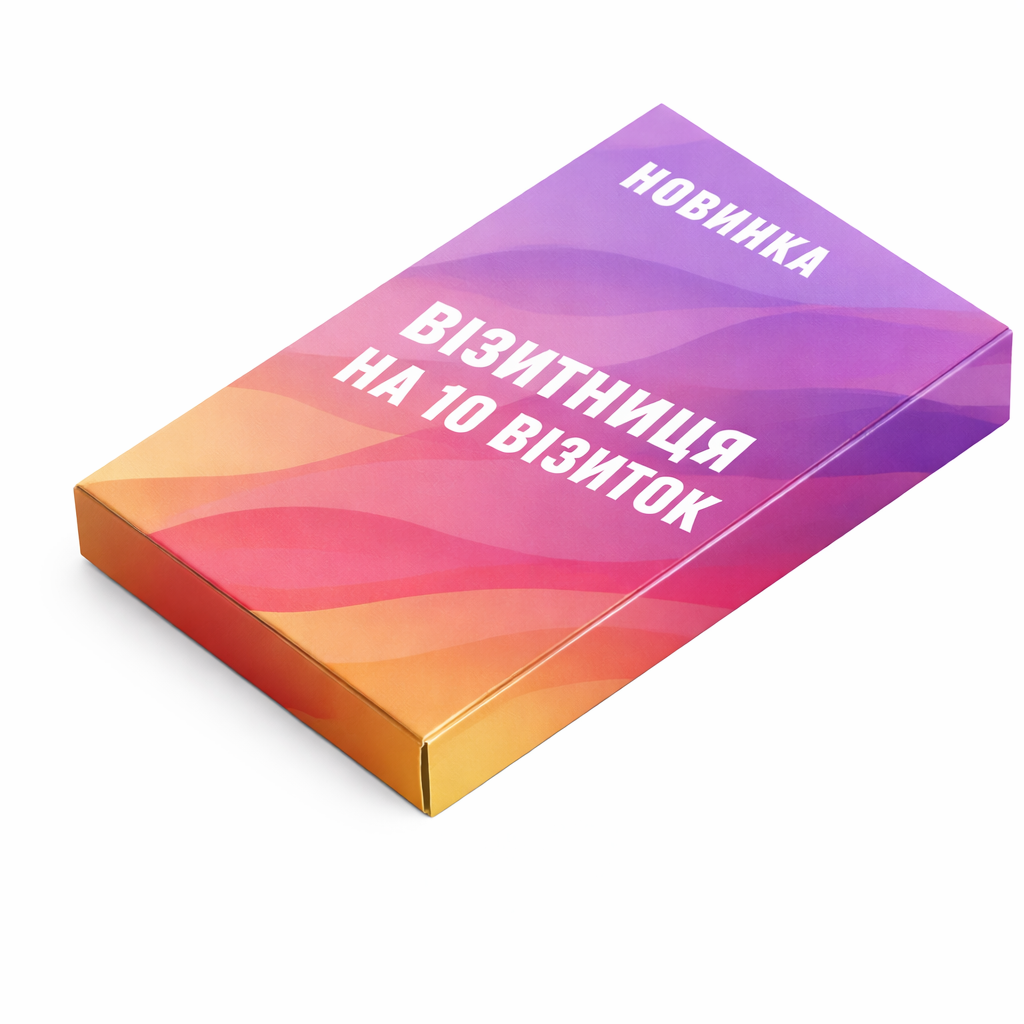
The “Holder for 10 business cards” option addresses practical requirements in storing or presenting business cards at a counter, on a desk or during meetings. Define the application first, then select production parameters that support it. Check this item's specific characteristics against its current product options because the selected configuration defines the actual result.
Before ordering “Holder for 10 business cards”, define capacity, card orientation, structural stability and the method used to apply branding. Every choice affects appearance, usability, lead time and unit cost. Two quotations are comparable only when their specifications match. A change in application may justify a different production route.
The practical value of “Holder for 10 business cards” depends on capacity and access to the cards. Test a complete working stack rather than one business card, allowing for stock thickness and any laminate. Cards should be easy to remove, remain aligned and stay secure during handling, while the branded structure must not cover a name or contact details.
Colour for “Holder for 10 business cards” requires realistic expectations. A monitor emits RGB light, whereas print uses inks on a physical substrate. The screen is therefore not an exact colour proof. Identify critical brand colours and agree on a suitable control method before the complete run begins.
Choose material for “Holder for 10 business cards” by function, not from a sample photograph alone. Weight affects stiffness, surface influences colour and touch, and finishing changes resistance during normal handling. The current product configuration defines which combinations can actually be ordered.
A common risk with “Holder for 10 business cards” is ignoring the thickness of a full stack or adding excessive decoration reduces usability. Technical preflight identifies format, bleed, resolution and font problems. It does not replace editorial proofreading. Names, telephone numbers, prices, dates, addresses and QR destinations must be confirmed before final approval.
In artwork for “Holder for 10 business cards”, artwork must leave functional areas clear and must not obstruct access to the cards. Extend edge-to-edge backgrounds into bleed. Keep copy, logos and codes within the safe area. Inspect raster images at final scale, and either embed fonts in the PDF or convert them to outlines.
To price “Holder for 10 business cards”, select the available characteristics, quantity and production time. The calculator then shows the cost for that specification. Upload finished artwork during checkout. Non-standard materials, dimensions or finishing should be agreed separately before payment.
Production of “Holder for 10 business cards” starts after payment and approval of a print-ready file. Shipping time is separate from manufacturing time and depends on the carrier and destination. Urgent schedules should include an allowance for corrections, approval, packing and dispatch.
A repeat run of “Holder for 10 business cards” can move faster when the previous order number and approved PDF are available. Check the file again whenever contacts, price, date, link or product information changes. This prevents obsolete details from entering a new batch.
Calculate the quantity of “Holder for 10 business cards” from its real period of use. For an event, allow for attendance and a sensible reserve. For routine work, use average consumption and the interval before reordering. Excess stock may become obsolete when prices, contacts or branding change.
Store the finished “Holder for 10 business cards” run in a dry room away from direct sunlight and abrupt temperature changes. Paper and board respond to humidity, so open protective packing close to use. Storage matters particularly for coated, folded or adhesive products.
When “Holder for 10 business cards” requires several language or product versions, approve one visual system first. Keep the grid, fonts, logo and technical zones consistent, then proof variable copy separately. This maintains recognition and reduces the risk of assigning artwork to the wrong version.
After receiving “Holder for 10 business cards”, check the number of packages, edge condition, front-to-back consistency and the legibility of control elements. Record any concern immediately after unpacking. Before reordering, note which specification choices performed well in actual use.
Do not treat a photograph or screen preview of “Holder for 10 business cards” as an exact scale proof. Open the PDF at 100 percent and inspect the smallest copy before approval. Where practical, print a rough sheet at actual size and assess the composition by hand.
Before paying for “Holder for 10 business cards”, answer four questions. Where will it be used? Who will read or handle it? Which information is mandatory? What should the customer do next? Clear answers keep the design focused and prevent unnecessary production costs.
The production brief for “Holder for 10 business cards” should state the intended use, capacity, card orientation, structural stability and the method used to apply branding, the number of versions and the required delivery date. List mandatory elements, packing expectations and service conditions separately. This information makes parameter conflicts visible early, removes ambiguity from the artwork review and allows the required configuration to be priced accurately.
A common risk with “Holder for 10 business cards” is ignoring the thickness of a full stack or adding excessive decoration reduces usability. Technical preflight identifies format, bleed, resolution and font problems. It does not replace editorial proofreading. Names, telephone numbers, prices, dates, addresses and QR destinations must be confirmed before final approval.
Need a different size, material, finish, quantity or a custom product? Message us on Telegram. We will check production feasibility and prepare an individual quote.
Check the dimensions, safe area, colour profiles and fonts.
181×181 mm
177×177 mm
173×173 mm
The artwork did not pass validation.
A manager will check the file and explain how to correct its size, resolution, colour space or format.